
Common Faults and Solutions of Electric Mosquito Swatters
2025-12-24
Common Faults and Solutions of Electric Mosquito Swatters: Fix Easily Without Spending Money!
An electric mosquito swatter is definitely an essential "mosquito-killing tool" for every household. However, during use, it is inevitable to encounter problems such as no discharge, weak discharge, or unresponsive buttons. Throwing it away is a waste, and it's not worth paying someone to repair it. Today, I will sort out the 5 most common faults of electric mosquito swatters, along with detailed cause analysis and step-by-step handling procedures, so even beginners can easily handle them~
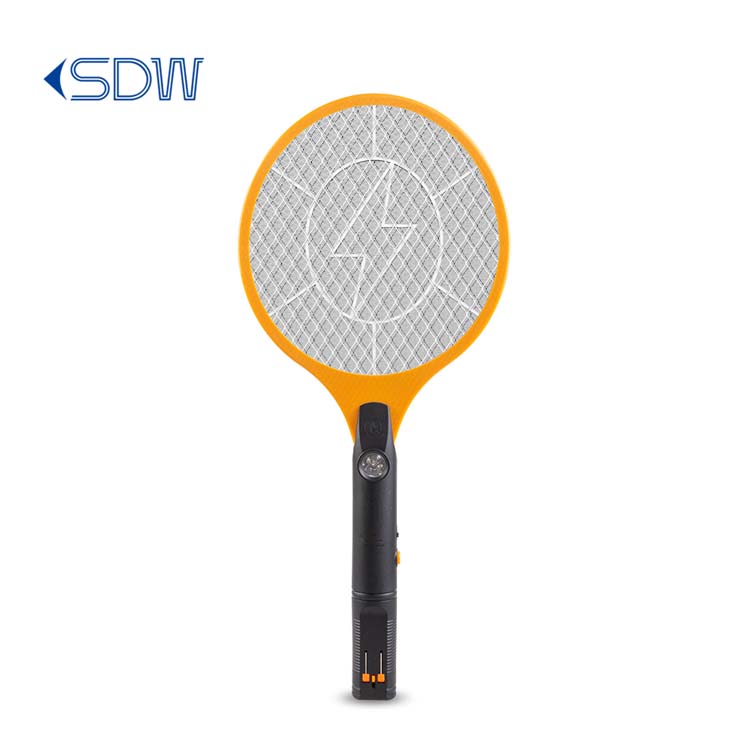
I. Core Premise: Safety First!
Before handling any faults, be sure to take safety precautions: ① First, confirm that the electric mosquito swatter is disconnected from charging. If it has just been charged, let it stand for 10 minutes to deplete the residual power; ② Avoid touching the power grid directly with your hands, especially when handling discharge-related faults; ③ Do not damage the core circuit during disassembly. If you find damaged capacitors, resistors, or other components and are not familiar with them, stop operation immediately.
II. Common Faults and Solutions
Fault 1: No discharge after power-on, and the indicator light does not turn on
Core Cause: Power supply-related issues, most likely battery aging/dead battery, poor contact of the charging port, or damaged power switch.
Handling Steps:
-
First, troubleshoot the charging problem: Plug in the electric mosquito swatter to charge and observe if the charging indicator light turns on. If it does not turn on, try another known normal socket; if it still does not turn on, check the charging cable and port — Unplug the charging cable, check if the port is loose, oxidized and blackened, or clogged with foreign objects. Wipe the port with a cotton swab dipped in a small amount of alcohol, and plug it in again to charge.
-
If the charging indicator light is on, but there is still no discharge and the indicator light does not turn on after unplugging, it is likely that the battery is aging. Most electric mosquito swatters use a 4V rechargeable lead-acid battery. Disassemble the shell of the electric mosquito swatter (pay attention to the position of the screws, usually at the bottom or side of the handle), and replace it with a battery of the same model (available online for more than ten yuan).
-
If the battery and charging are normal, and the indicator light has no response when pressing the switch, the switch may be damaged. Use a multimeter to test the on-off of the switch (if there is no multimeter, you can directly replace it with a ship switch of the same specification), and it will return to normal after replacement.
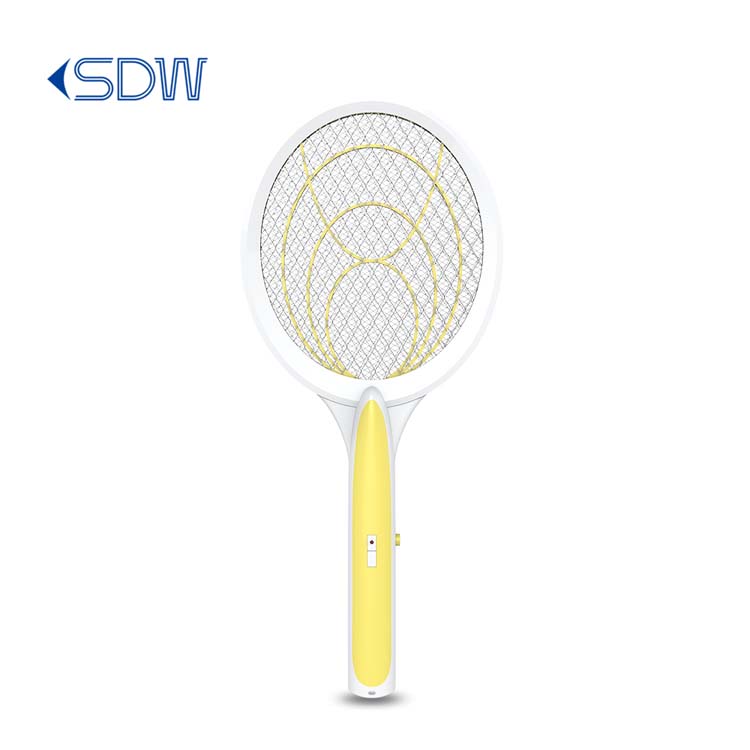
Fault 2: The indicator light turns on, but the discharge is weak and cannot kill mosquitoes
Core Cause: Dirty power grid, poor contact of the high-voltage circuit, or insufficient battery power.
Handling Steps:
-
First, fully charge the electric mosquito swatter to rule out the problem of insufficient power.
-
Clean the power grid: Mosquito corpses and dust will adhere to the gaps of the power grid, leading to weak discharge. After disconnecting the power supply, gently brush off the debris on the surface of the power grid with a soft brush (or an old toothbrush). If there are stubborn stains, wipe them with a cotton swab dipped in clean water, and use it after drying.
-
Check the power grid connection: Disassemble the shell and check if the metal connecting wires of the power grid are loose or disconnected. If so, solder them firmly with an electric soldering iron (be careful not to burn the surrounding plastic parts); at the same time, check if the high-voltage capacitor and resistor are loose, and reinsert or solder them.
-
If the above operations are ineffective, the high-voltage module may be damaged. In this case, the maintenance cost is relatively high, so it is recommended to replace the electric mosquito swatter directly.
Fault 3: Unresponsive buttons, no response when pressed/or power off when pressed
Core Cause: Poor contact of the button, misalignment of the internal spring, or oxidation of the switch.
Handling Steps:
-
Simple troubleshooting: Press the button several times repeatedly to feel if there is jamming or looseness. If there is slight jamming, there may be foreign objects in the button. Gently pick them out with a toothpick (be careful not to damage the button).
-
Disassembly and inspection: Open the shell, find the spring and metal contacts corresponding to the button, and check if the spring is misaligned or detached. If misaligned, gently bend it back to the original position; if the metal contacts are oxidized and blackened, gently polish them clean with sandpaper and reinstall.
-
If it is still unresponsive after polishing, directly replace it with a button switch of the same model (cost a few yuan). Pay attention to the positive and negative poles during replacement to avoid reverse connection.
Fault 4: The indicator light always does not turn on/always on (does not turn green) when charging
Core Cause: Faulty charging port, damaged charging module, or scrapped battery.
Handling Steps:
-
First, replace the socket and charging cable: Use a known normal mobile phone charger (5V specification) and data cable to connect the electric mosquito swatter for charging (most electric mosquito swatters support universal USB charging) to rule out problems with the charging equipment.
-
Check the charging port: Wipe the oxide layer and foreign objects in the port with a cotton swab, plug in the charging cable and shake it gently to see if the indicator light flickers. If it flickers, it means the port is loose and needs to be resoldered.
-
If the indicator light always does not turn on, and the charging equipment and port are confirmed to be normal, the charging module may be damaged; if it is always on and does not turn green, and the discharge is still weak after 8 hours of charging, it means the battery is scrapped. It is recommended to replace the battery or directly buy a new one.
Fault 5: Abnormal noise (excessively loud sizzling/crackling sound) during use
Core Cause: Moist power grid, short circuit caused by foreign objects, or faulty high-voltage module.
Handling Steps:
-
Power off immediately: After hearing the abnormal noise, turn off the switch and disconnect the power supply first to avoid short circuit damaging the components.
-
Check the power grid: Check if there are metal debris, water stains, or other foreign objects in the power grid. If so, clean them with a dry brush and dry them in a well-ventilated place (if damp).
-
If there is still abnormal noise after drying and cleaning, disassemble the shell to check the high-voltage module and see if there are bulging capacitors or blackened resistors. If so, it means the module is damaged, and repair is not recommended. Replace the electric mosquito swatter directly.
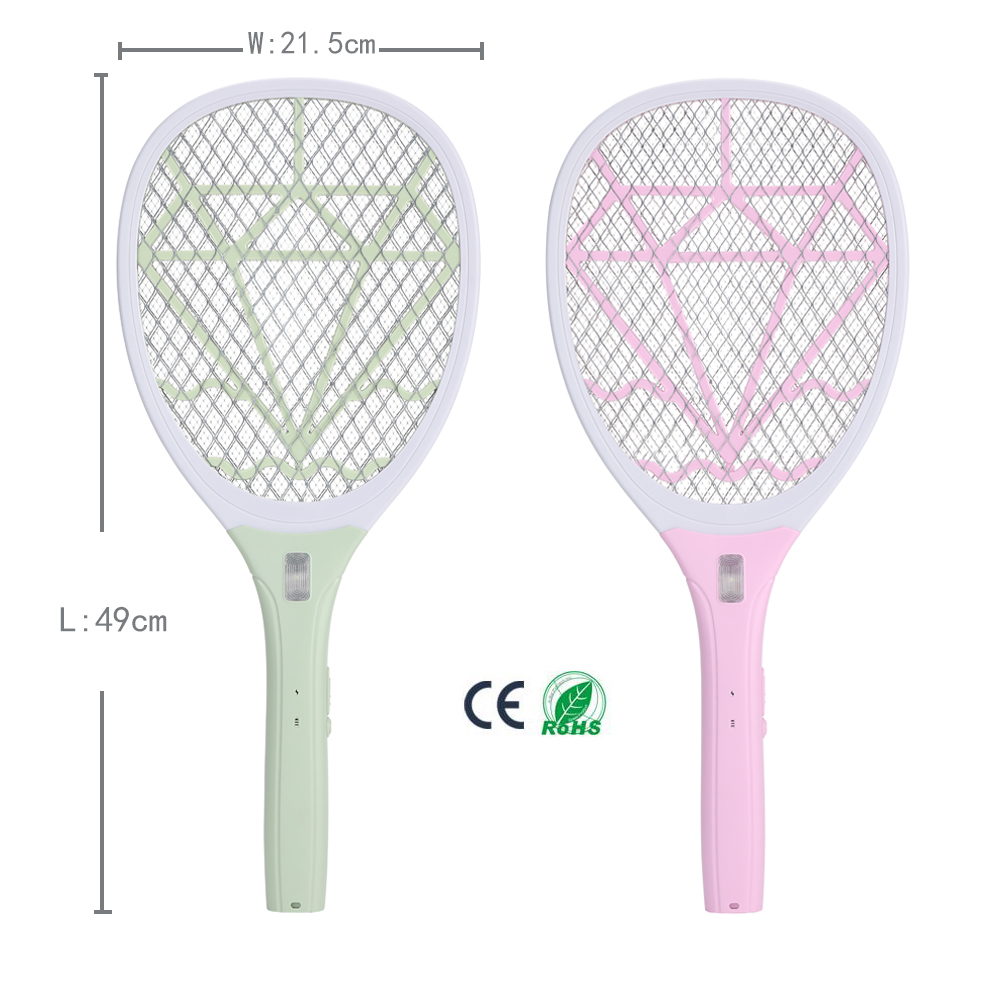
III. Daily Use Tips to Reduce Faults
-
Avoid long-term charging: Unplug it in time after full charging, do not charge it all night, so as not to damage the battery.
-
Keep dry: Do not use it in humid environments (such as bathrooms, rainy days), and store it in a dry and ventilated place after use.
-
Regular cleaning: Clean the power grid with a soft brush every week to avoid foreign object accumulation.
-
Avoid collision: Do not drop or hit the electric mosquito swatter hard, so as not to damage the internal circuit and power grid.
The above are the most common faults and handling methods of electric mosquito swatters. Most problems can be solved by cleaning or replacing small parts, which costs only a few yuan. If you encounter serious faults such as damaged high-voltage modules or broken shells, it is not worth repairing. It is more cost-effective to buy a new one directly~
New Year Greetings from Chaozhou Aofengming
Is It Safe to Touch an On Electric Mosquito Swatter
Related Article
If you’re struggling with annoying mosquitoes, flies, and other flying pests indoors and outdoors, upgrading from traditional manual tools to anElectric Mosquito Swatter is the most efficient solution. Many homeowners and renters search where to buy fly swatter online to find durable, safe, and high-performance electric models that deliver instant pest control.
Where to Buy Fly Swatter
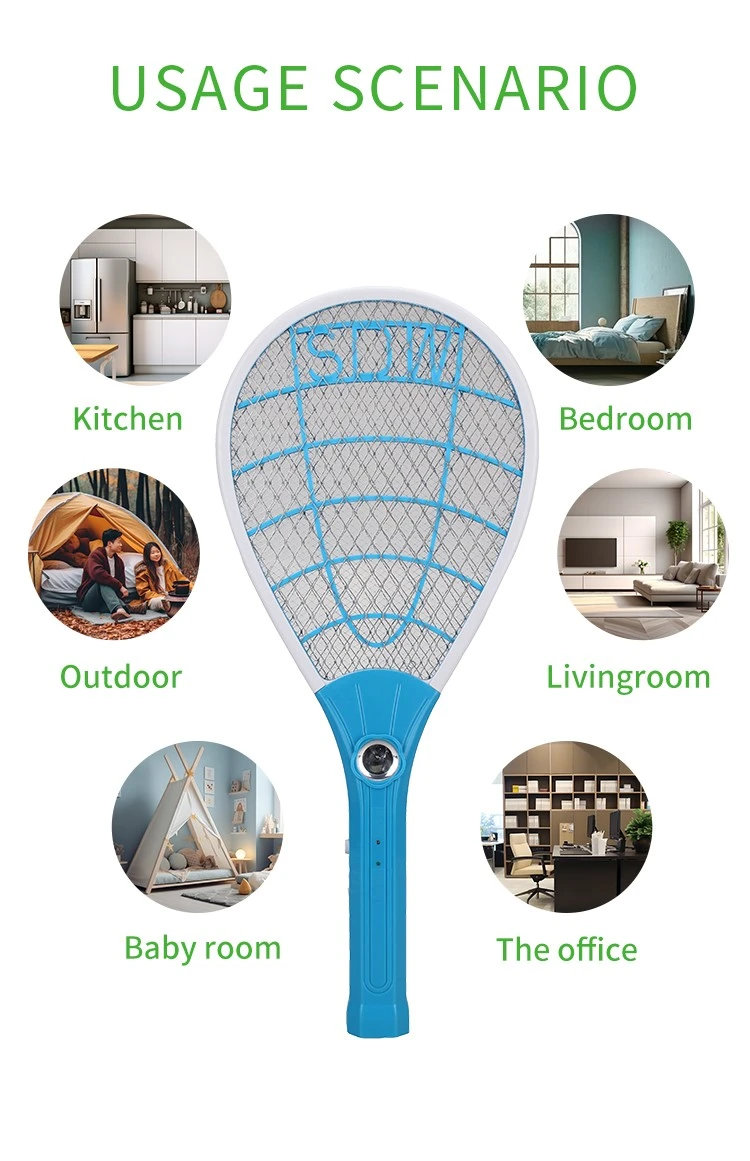
Most importers of electric mosquito swatters obsess over the first order: samples requested, factories vetted, a pre-shipment inspection booked. Then the reorder arrives eight months later and something is off. The grid feels softer. The charge port is a slightly different shade of black. The carton thickness dropped from 350 gsm to 300 gsm. Nothing is catastrophic — but the product no longer matches what your retail customers approved, and quietly, your return rate starts climbing.
How to Keep Mosquito Swatter Quality Consistent Across Repeat Orders
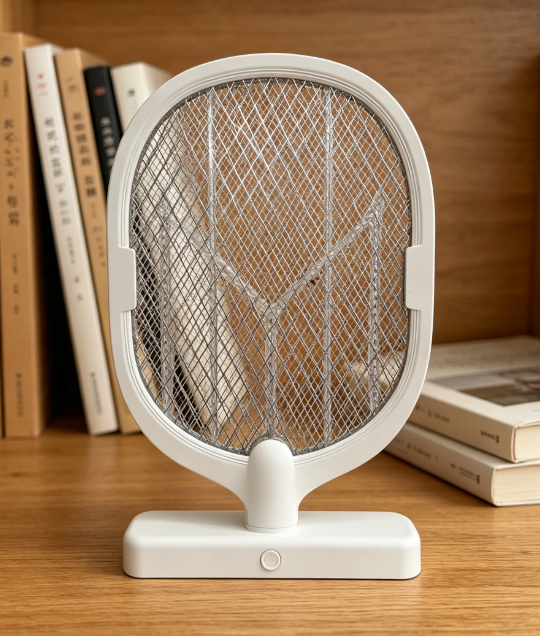
Warranty returns are the silent margin killer in the mosquito control category. A distributor who buys a swatter at $1.80 FOB and retails it at $9.90 can absorb a 1% return rate without noticing — but at 5%, the combined cost of replacement units, reverse logistics, and refund processing erases most of the line's profit.
Common mosquito swatter killer lamp failure modes wholesale spec guide

Digital bathroom scales rank as the second-highest-volume consumer weighing product category, only behind kitchen scales, with distinct market and product characteristics that set them apart from other scale types in importers’ product portfolios.
Digital bathroom body fat-bia-scale wholesale buyers guide