
Electric Fly Swatter Common Faults and Repair Guide
2026-05-22
Electric Fly Swatter Common Faults and Repair Guide: Easy Self-Inspection for Beginners
An electric fly swatter is an essential small household appliance for summer. Lightweight, convenient, and highly efficient in killing mosquitoes, it serves as a perfect mosquito prevention tool for every family. However, long-term use often leads to various minor issues: no response when charging, no electric discharge when pressing the switch, insufficient power to kill mosquitoes, and buzzing noises from the mesh. Many users directly replace their swatters once faults occur, but most minor problems can be fixed in minutes without professional tools, saving money and resources.
This practical guide sorts out 6 most common faults of electric fly swatters, detailing fault causes, troubleshooting steps, and repair methods, which are totally accessible for zero-based beginners.
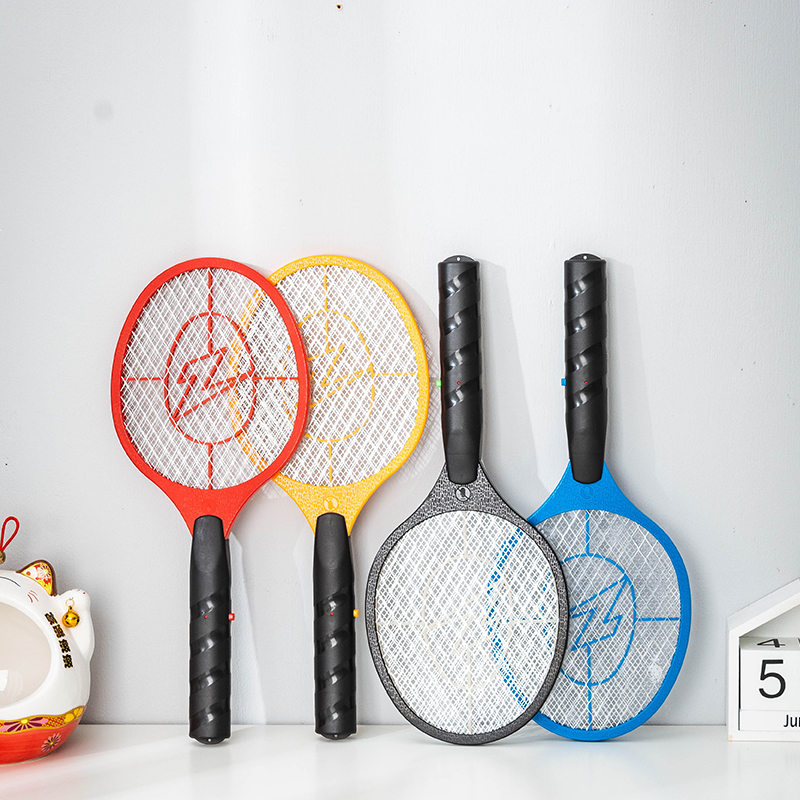
1. No Charging Response, Indicator Off, Failed Power Storage
This is the most frequent fault of electric fly swatters. Whether using plug-in or USB charging, if the indicator light stays off and the swatter runs out of power immediately after unplugging, the charging system is most likely faulty, mainly divided into external contact failures and internal component failures.
Fault Causes: First, dust and mosquito debris accumulated in the charging port, or loose and oxidized metal contacts caused by frequent plugging and unplugging lead to poor contact and power failure. Second, the built-in battery is aging. The service life of ordinary rechargeable batteries for fly swatters is 1-3 years; bulging or over-discharged batteries can no longer store power. Third, the internal charging circuit or protection components are damaged.
Solutions: First, power off the swatter and let it stand still. Clean the dust in the charging port with a dry soft brush, and gently wipe the oxidized metal contacts before recharging. For loose ports, you can temporarily fix them with adhesive tape while charging, or replace the port with a new one of the same specification if severely damaged. Second, inspect the battery by opening the handle shell. Check for battery bulging and liquid leakage, and replace the battery if the voltage is too low tested with a multimeter. Finally, if the above methods fail, the circuit board charging components may be damaged. It is not recommended for ordinary users to conduct in-depth disassembly, and replacement is more cost-effective.
2. Indicator On, But No High Voltage or Discharge When Pressing Switch
Sometimes the indicator light works normally, meaning the power supply is normal, but there is no electric spark or electric shock on the mesh when swatting mosquitoes, with no response when insects touch the mesh. The core problem lies in the high-voltage output system.
Fault Causes: The most common cause is mesh short circuit. Mosquito corpses, dust, and moisture trapped between the three-layer mesh block high-voltage discharge. Second, the key switch is damaged due to long-term pressing, resulting in switch failure or solder joint falling off. In rare cases, the internal boost circuit or triode is burnt out.
Solutions: First, power off the device completely, clean all foreign matter on the mesh, sweep away mosquito residues with a dry brush, and dry the mesh in humid weather to eliminate short circuits. Second, test the switch. If the switch feels loose and fails to rebound, it is faulty. Open the handle to re-weld the loose solder joints or replace the tactile switch directly. Third, if the problem persists after cleaning and switch replacement, check and replace damaged components such as triodes and transformers.
3. Powered On but Weak Mosquito Killing, Insufficient High Voltage
If the swatter can produce weak sparks but only stuns mosquitoes instead of killing them after multiple swats, it indicates insufficient high voltage and degraded mosquito-killing performance.
Fault Causes: Besides unstable power supply caused by low or aging battery power, the core reasons include attenuated capacity of the internal high-voltage capacitor and damaged diodes that fail to complete voltage multiplication. In addition, oxidized and rusted mesh reduces conductivity and discharge effect. Moreover, continuous use in high temperature will trigger the circuit overheating protection, leading to temporary insufficient high voltage.
Solutions: Fully charge the swatter first for retesting to rule out low power issues. If the problem remains, power off the device, polish the oxidized mesh surface with fine sandpaper to remove rust and restore conductivity. For in-depth repair, open the body to inspect and replace attenuated high-voltage capacitors and damaged rectifier diodes (333J/630V polyester capacitor and 1N4007 rectifier diode are commonly used). If the performance drops due to high temperature, turn off the power and let it cool for 10 minutes before reuse.
4. Buzzing Noise and Frequent Sparking/Leakage on Mesh
Continuous buzzing current noise and irregular electric sparks on the mesh during use or standby not only waste power but also bring potential safety hazards.
Fault Causes: Residual mosquito corpses and dirt on the mesh, or humid environment reduce the mesh insulation and cause slight electric leakage. Second, deformed mesh narrows the spacing between the three layers, resulting in high-voltage sparking. Long-term use will also cause aging and damage of the mesh insulation layer, leading to leakage and abnormal noise.
Solutions: Turn off the power immediately, thoroughly clean all dirt on the mesh, and dry the mesh completely in humid conditions. Gently correct the deformed mesh to ensure uniform spacing between layers and avoid fitting contact. Replace damaged insulating rubber particles and strips to eliminate mesh short circuit, leakage and abnormal sparking.
5. Malfunctioning Switch, Stuck Rebound, Invalid Key Press
As the most frequently used component of the fly swatter, the switch is prone to wear and tear, causing problems such as stuck rebound, no response to pressing, and failure to cut off power after release.
Fault Causes: Dust and sundries trapped in the key gap cause mechanical jamming. Internal spring fatigue leads to insufficient elasticity. Loose solder joints and oxidized internal contacts result in poor contact.
Solutions: Clean the dust in the key gap with a brush and press the switch repeatedly to fix most jamming problems. For non-rebound switches, open the handle shell and replace deformed or fatigued internal springs. Re-weld loose solder joints or replace the tactile switch directly if contacts are damaged, which is low-cost and easy to repair.
6. Daily Maintenance Tips to Reduce Faults and Extend Service Life
Most faults of electric fly swatters stem from improper daily use and storage. Proper basic maintenance can greatly reduce failure rate and prolong the service life of the device.
1. Regular Cleaning: Power off and clean mosquito residues on the mesh after each use to avoid short circuit and leakage caused by dirt accumulation, and dry the mesh in humid weather.
2. Standard Charging: Avoid overcharging and cut off the power in time after full charging. For long-term idle use, charge the swatter every 1-2 months to prevent battery aging caused by over-discharge.
3. Avoid Collision: Do not hit walls or the ground hard to prevent mesh deformation and falling off of internal circuit solder joints.
4. Dry Storage: Store the swatter in a dry and ventilated place to prevent corrosion of ports, circuit boards and mesh caused by humid environment.
Summary
Most faults of electric fly swatters are not irreparable. 90% of common problems are caused by dust accumulation, poor contact and slight component wear, which do not require replacement. Simple cleaning, shape correction and minor component replacement can restore the performance of old fly swatters.
You can troubleshoot and repair your fly swatter according to the above steps before deciding to replace it, which is money-saving and eco-friendly. Only replace the device in case of severe faults such as burnt circuit board and damaged body.
Large-Area Mosquito Control Solution for Shops and Restaurants
How to Kill Mosquitoes at Night
Related Article
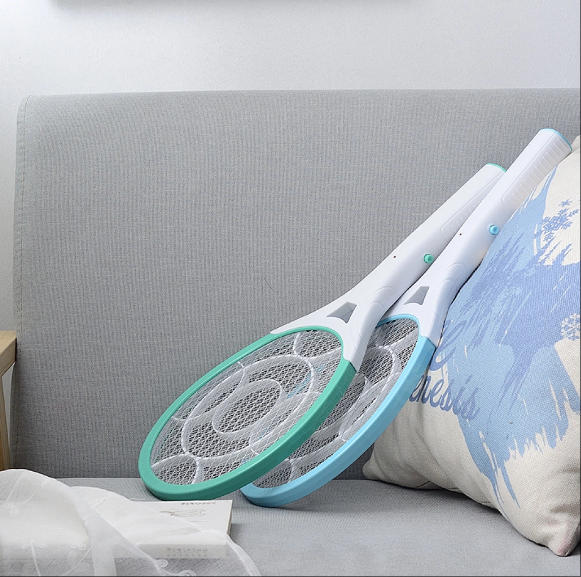
If you’re struggling with annoying mosquitoes, flies, and other flying pests indoors and outdoors, upgrading from traditional manual tools to anElectric Mosquito Swatter is the most efficient solution. Many homeowners and renters search where to buy fly swatter online to find durable, safe, and high-performance electric models that deliver instant pest control.
Where to Buy Fly Swatter
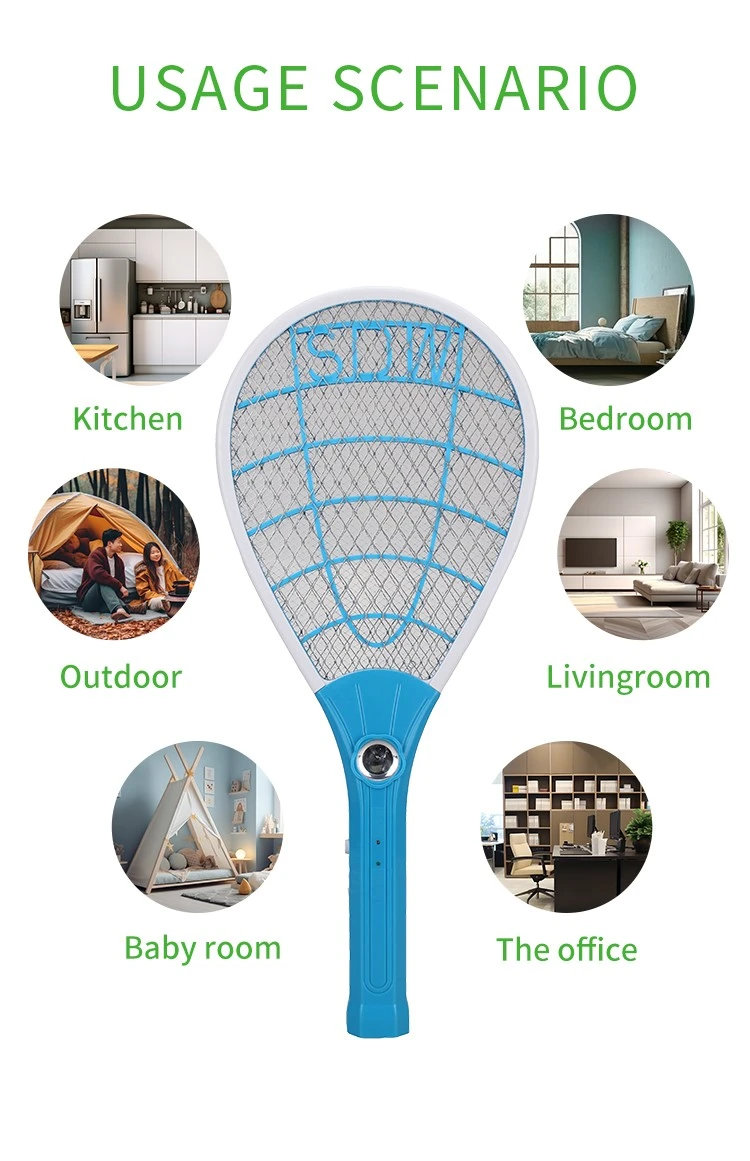
Most importers of electric mosquito swatters obsess over the first order: samples requested, factories vetted, a pre-shipment inspection booked. Then the reorder arrives eight months later and something is off. The grid feels softer. The charge port is a slightly different shade of black. The carton thickness dropped from 350 gsm to 300 gsm. Nothing is catastrophic — but the product no longer matches what your retail customers approved, and quietly, your return rate starts climbing.
How to Keep Mosquito Swatter Quality Consistent Across Repeat Orders
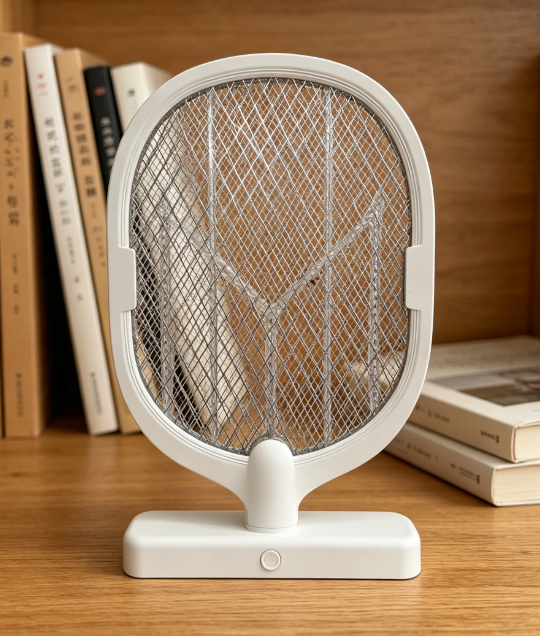
Warranty returns are the silent margin killer in the mosquito control category. A distributor who buys a swatter at $1.80 FOB and retails it at $9.90 can absorb a 1% return rate without noticing — but at 5%, the combined cost of replacement units, reverse logistics, and refund processing erases most of the line's profit.
Common mosquito swatter killer lamp failure modes wholesale spec guide

Digital bathroom scales rank as the second-highest-volume consumer weighing product category, only behind kitchen scales, with distinct market and product characteristics that set them apart from other scale types in importers’ product portfolios.
Digital bathroom body fat-bia-scale wholesale buyers guide