
How to Clean Your Electric Mosquito Swatter
2026-05-15
How to Clean Your Electric Mosquito Swatter
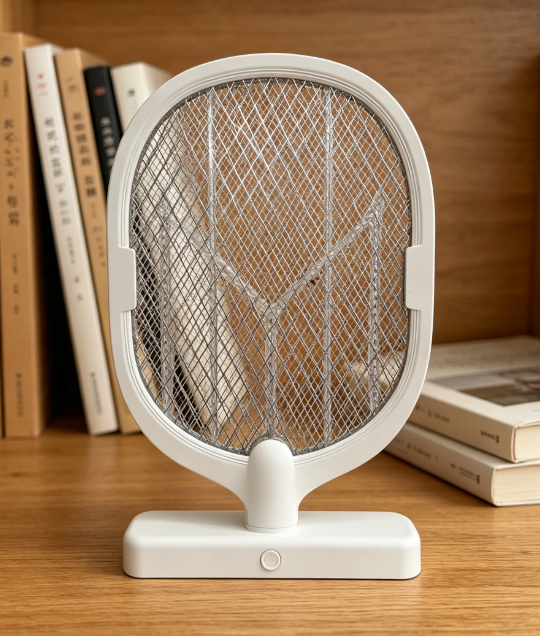
An electric mosquito swatter is a handy tool for getting rid of mosquitoes and other small insects during warm seasons. However, after repeated use, its mesh grid often gets covered with insect corpses, dust, and stains. If not cleaned regularly, these residues can not only affect the swatter’s appearance but also reduce its effectiveness, harbor bacteria, and even shorten its service life. Cleaning your electric mosquito swatter is simple and safe as long as you follow the correct steps and safety precautions. Below is a step-by-step guide to help you clean it properly.
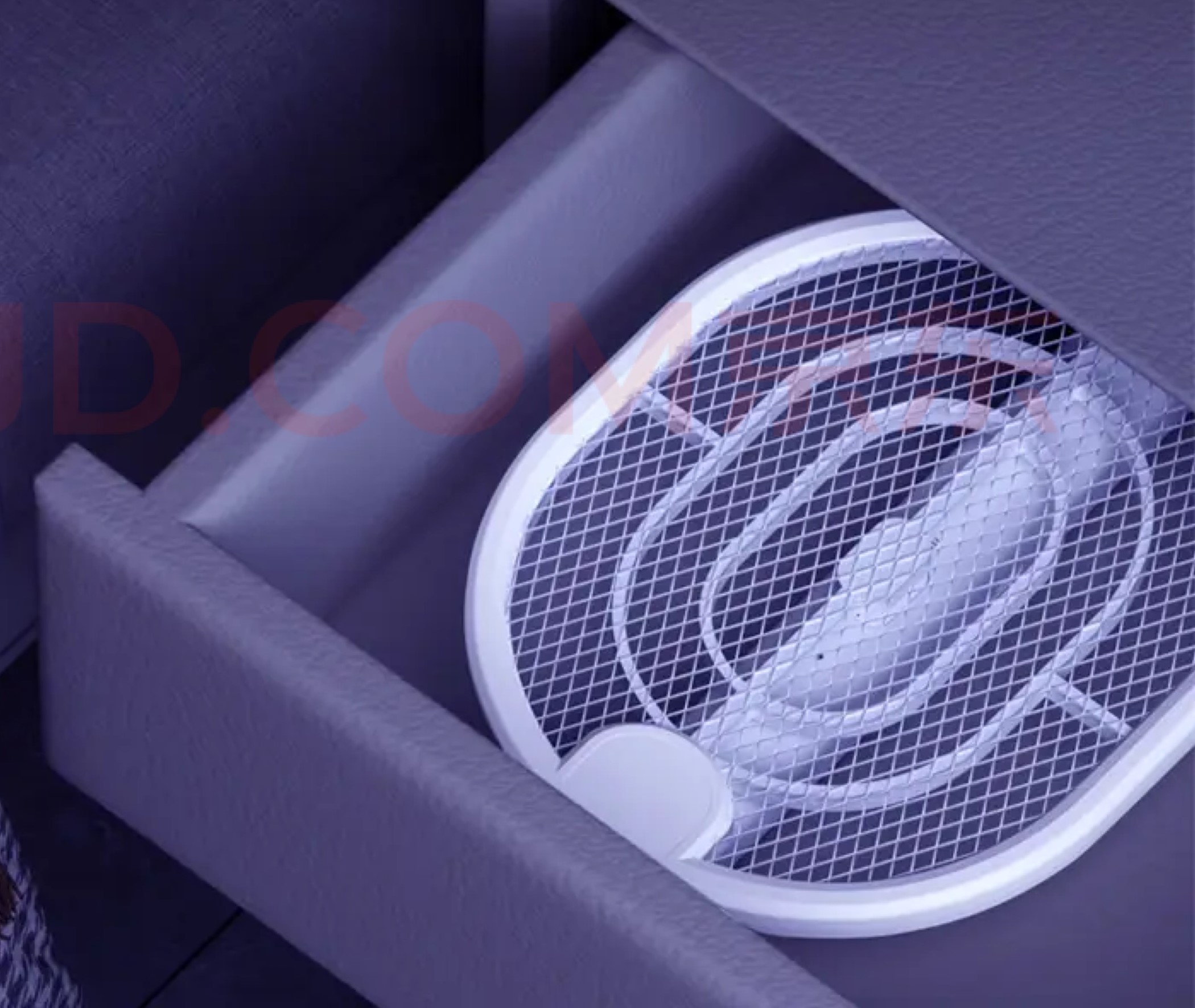
Step 1: Prepare for Cleaning (Safety First)
Safety is the top priority when cleaning an electric mosquito swatter, as it contains high-voltage components that can cause electric shock if not handled properly. Before you start, take the following precautions:
-
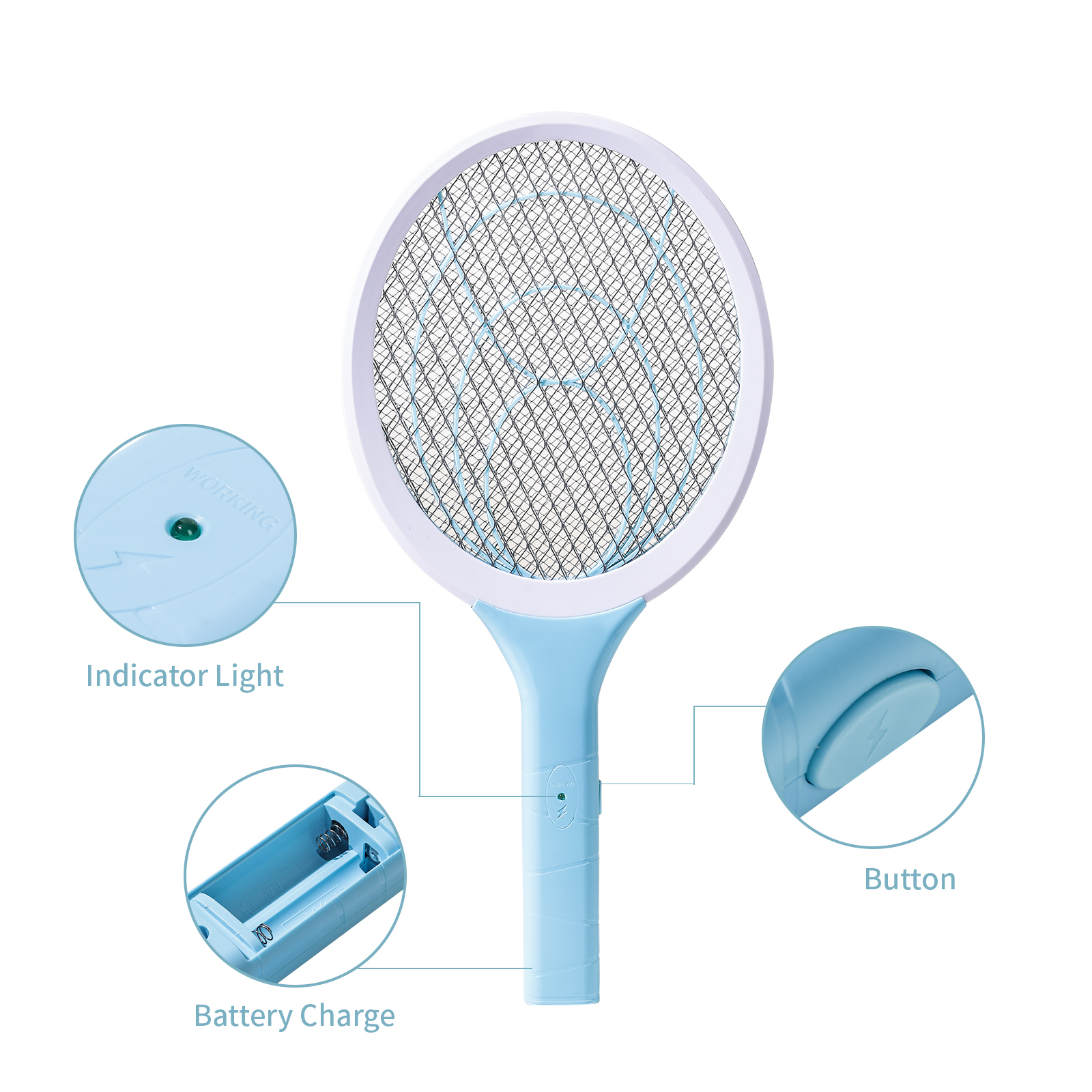
Completely power off the swatter: Turn off the power switch first. If it’s a rechargeable model, unplug the charging plug immediately. For battery-powered ones, remove the batteries to avoid any accidental power supply. Additionally, some swatters have internal capacitors that may retain residual charge after power-off, so wait 1-2 minutes to let the charge dissipate completely – you can also press the power switch several times to ensure no residual electricity is left.
-
Gather cleaning tools: Prepare a soft brush (such as an old toothbrush), cotton swabs, a clean dry cloth, and optionally a small amount of neutral detergent (like dish soap) and medical alcohol. Avoid using sharp tools (such as needles or knives) that could damage the mesh grid or internal circuits.
-
Choose a suitable location: Clean the swatter over a trash can to catch falling insect corpses and debris. Keep it away from water sources (such as sinks) and flammable substances (like mosquito repellent spray or alcohol-based products) to prevent short circuits or fire hazards.
Step 2: Remove Loose Debris
Start by removing the large, loose residues from the mesh grid, which is the main area where insects are electrocuted:
-
Hold the swatter’s handle firmly and face the mesh grid towards the trash can. Gently tap the handle with your other hand or shake the swatter lightly – this will make most loose insect corpses and dust fall off easily.
-
For debris that is stuck or hard to shake off, use a soft brush to gently brush the surface of the mesh grid. Brush in one direction to avoid pushing debris deeper into the grid gaps. Be gentle to prevent bending or damaging the thin metal wires of the grid.
Step 3: Clean Stains and Residues
After removing loose debris, deal with stubborn stains, insect remains, and potential bacteria on the mesh and handle:
-
Clean the mesh grid: If there are oil stains or sticky residues on the grid, dampen a clean cloth with a small amount of water (do not soak the cloth – wring it out thoroughly to prevent water seepage into the internal circuits). Dip the cloth in a tiny amount of neutral detergent and gently wipe the stained areas along the grid lines. After wiping, use a clean, damp cloth to remove any residual detergent, then dry the grid immediately with a dry cloth. For better sanitization, you can dip a cotton swab in medical alcohol and wipe the grid – alcohol volatilizes quickly and will not damage the circuit, effectively killing bacteria.
-
Clean the handle and switch: Use a dry cloth or a cotton swab dipped in alcohol to wipe the handle, power switch, and charging port. These areas often accumulate dust and sweat, which can affect the swatter’s performance over time. Do not pour water or alcohol directly on these parts to avoid short circuits.
-
Clean hard-to-reach gaps: For small gaps between the mesh wires or around the switch, use a cotton swab (slightly dampened with alcohol if needed) to gently pick out or wipe away debris. Avoid inserting any objects into the grid that could cause short circuits, such as pins or wires.
Step 4: Dry and Store Properly
After cleaning, it is crucial to ensure the swatter is completely dry before using or storing it, as moisture can damage internal electrical components:
-
Wipe the entire swatter (mesh, handle, and all parts) with a dry, clean cloth to remove any remaining moisture. You can also place it in a well-ventilated, dry area for 10-15 minutes to air-dry completely, especially if you used water during cleaning.
-
Reinstall the batteries (if you removed them) only after the swatter is fully dry. For rechargeable models, do not plug in the charger until it is completely dry to avoid short circuits or damage to the charging port.
-
Store the clean swatter in a dry, cool place, away from direct sunlight, high temperatures, and flammable materials. Keep it out of the reach of children to prevent accidental injury.

Important Do’s and Don’ts
-
Do’s:
-
Clean the swatter regularly (every 1-2 weeks during frequent use) to prevent residue buildup and bacterial growth.
-
Use soft, non-abrasive tools to avoid damaging the mesh grid and internal components.
-
Check the swatter for damage (such as cracked handles, exposed wires, or deformed mesh) before and after cleaning. If damaged, stop using it immediately and contact a professional for repair – do not attempt to repair it yourself.
-
-
Don’ts:
-
Never rinse the swatter directly with water or soak it in water – this can cause short circuits, damage the internal circuits, and pose electric shock risks.
-
Do not use harsh chemicals (such as bleach, strong detergents, or insecticides) to clean the swatter. These substances can corrode the mesh and damage the plastic handle, and some (like insecticides or alcohol-based sprays) are flammable and can react with the swatter’s electric sparks to cause fire hazards.
-
Do not touch the mesh grid with your hands or metal objects while the swatter is powered on, even during cleaning. Always ensure it is completely powered off and free of residual charge before touching the grid.
-
Do not use the swatter on hard surfaces (such as walls or tables) as this can damage the mesh grid.
-
By following these simple steps, you can keep your electric mosquito swatter clean, hygienic, and in good working condition, ensuring it continues to effectively eliminate mosquitoes while maintaining safety for you and your family.
How to Store the Mosquito Killer Lamp
How to Control Mosquitoes in the Kitchen
Related Article
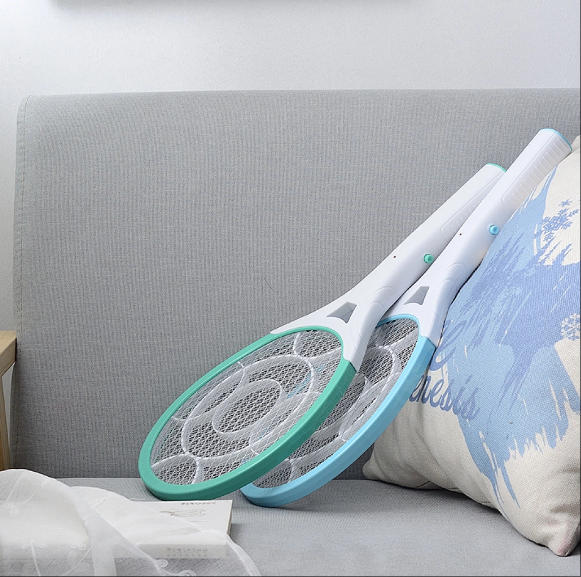
If you’re struggling with annoying mosquitoes, flies, and other flying pests indoors and outdoors, upgrading from traditional manual tools to anElectric Mosquito Swatter is the most efficient solution. Many homeowners and renters search where to buy fly swatter online to find durable, safe, and high-performance electric models that deliver instant pest control.
Where to Buy Fly Swatter
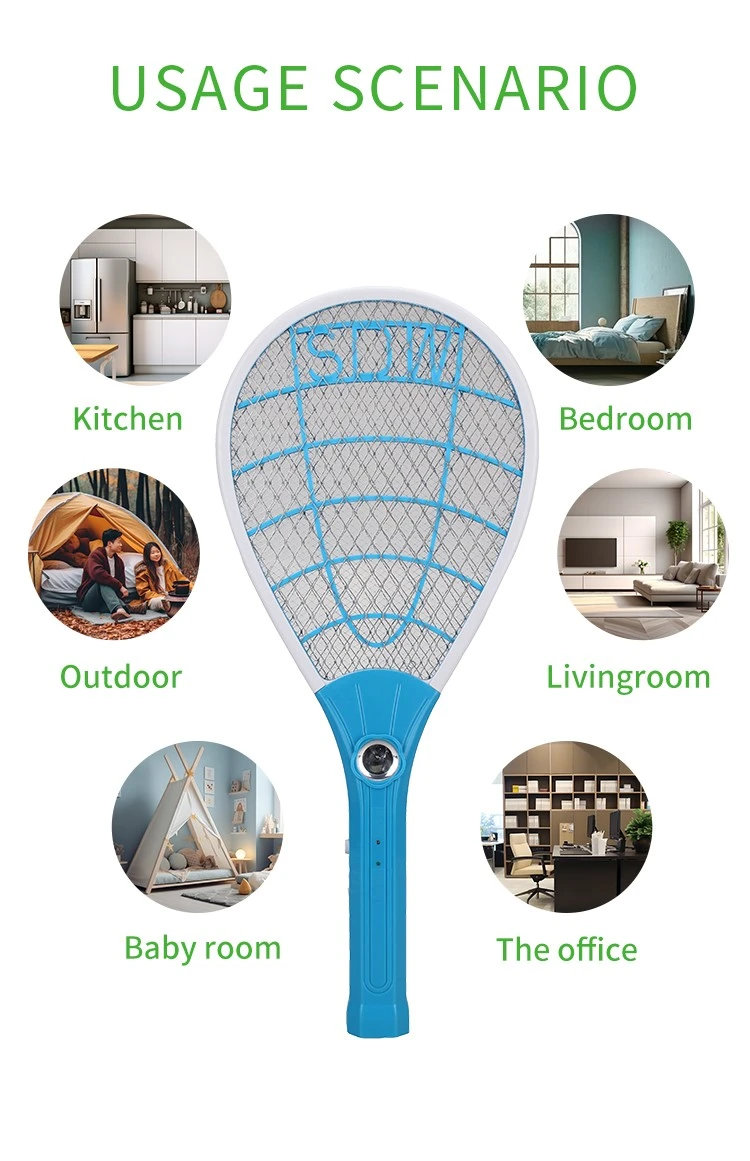
Most importers of electric mosquito swatters obsess over the first order: samples requested, factories vetted, a pre-shipment inspection booked. Then the reorder arrives eight months later and something is off. The grid feels softer. The charge port is a slightly different shade of black. The carton thickness dropped from 350 gsm to 300 gsm. Nothing is catastrophic — but the product no longer matches what your retail customers approved, and quietly, your return rate starts climbing.
How to Keep Mosquito Swatter Quality Consistent Across Repeat Orders
Warranty returns are the silent margin killer in the mosquito control category. A distributor who buys a swatter at $1.80 FOB and retails it at $9.90 can absorb a 1% return rate without noticing — but at 5%, the combined cost of replacement units, reverse logistics, and refund processing erases most of the line's profit.
Common mosquito swatter killer lamp failure modes wholesale spec guide

Digital bathroom scales rank as the second-highest-volume consumer weighing product category, only behind kitchen scales, with distinct market and product characteristics that set them apart from other scale types in importers’ product portfolios.
Digital bathroom body fat-bia-scale wholesale buyers guide